
How to Claim Your Vacation Rental Company in ChatGPT
A free step-by-step guide for STR property managers to claim, verify and set up their ChatGPT business profile.
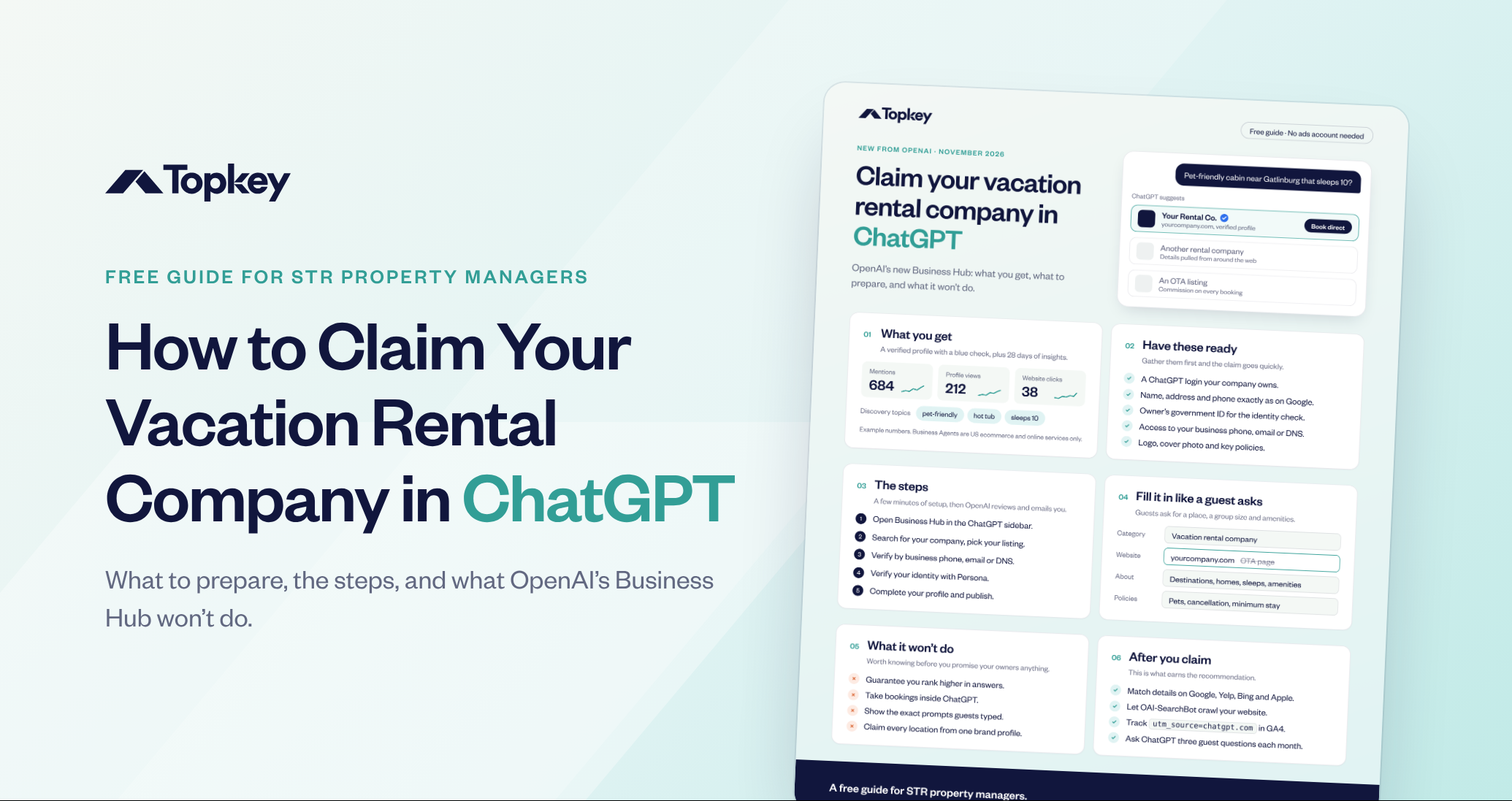
Guests now ask ChatGPT things like "pet-friendly cabin near Gatlinburg that sleeps 10?" ChatGPT already answers with property managers, OTA listings and details it pulls from around the web, whether you've claimed your profile or not. OpenAI launched Business Hub in beta on November 10, 2026, so you can now take control of how your company shows up.
This Guide Helps Vacation Rental Managers:
- Get a verified profile so ChatGPT shows your company's own details instead of whatever it finds on the web.
- Send guests to your direct booking site instead of an OTA listing that takes a commission.
- See how often guests find you in ChatGPT and which topics bring them to you.
- Set the right expectations with owners about what a ChatGPT profile can and can't do.
What You Get When You Claim Your Profile
- A verified profile. Your profile gets a blue check once your identity check is approved.
- Insights from the past 28 days. See mentions, profile views, website clicks and the discovery topics guests use to find you, like "pet-friendly," "hot tub" or "sleeps 10."
- Control of your details. Update your company information so ChatGPT describes you accurately.
Note: Business Agents, which answer customer questions for you, are only open to US ecommerce and online service businesses for now.
What to Have Ready Before You Start
Gather these first and the claim goes quickly:
- A ChatGPT login your company owns, not a personal account.
- Your company name, address and phone number, written exactly as they appear on Google.
- The owner's government ID for the identity check.
- Access to your business phone, business email or website DNS.
- Your logo, a cover photo and your key policies.
How to Claim Your Company in ChatGPT
Step 1: Open Business Hub
Sign in to ChatGPT and open Business Hub from the sidebar.
Step 2: Find Your Listing
Search for your company by name and pick the listing that matches.
Step 3: Verify Your Business
Confirm you run the company using your business phone, business email or a DNS record on your website.
Step 4: Verify Your Identity
Complete the identity check with Persona. OpenAI reviews it and emails you a decision. Claiming alone doesn't earn the blue check. The identity check does.
Step 5: Complete Your Profile and Publish
Fill in your profile (see below) and publish it. OpenAI reviews changes before they go live.
How to Fill In Your Profile Like a Guest Asks
Guests ask for a place, a group size and amenities, so write your profile to answer those questions:
- Category: Vacation rental company.
- Website: Your own direct booking site, never an OTA page.
- About: Your destinations, home types, how many guests they sleep and your top amenities.
- Policies: Pets, cancellation and minimum stay.
What the Business Hub Won't Do
Know this before you promise your owners anything. The Business Hub won't:
- Guarantee you rank higher in ChatGPT answers.
- Take bookings inside ChatGPT.
- Show you the exact prompts guests typed.
- Claim every location from one brand profile. Each location is claimed on its own.
After You Claim: How to Earn the Recommendation
A claimed profile is the start. These steps help ChatGPT recommend you:
- Keep your details consistent. Your name, address, phone and hours should match on Google, Yelp, Bing and Apple Maps.
- Let ChatGPT read your site. Make sure your website doesn't block OAI-SearchBot.
- Track ChatGPT traffic. Look for
utm_source=chatgpt.comin Google Analytics 4 to see bookings that came from ChatGPT. - Test it monthly. Ask ChatGPT three questions a guest would ask and see whether you show up.
Download the free guide and get your company in front of guests who are already planning their trip in ChatGPT.
Frequently Asked Questions
No. OpenAI says you don't need an Ads account or a ChatGPT Enterprise agreement to claim an eligible business. You claim it from Business Hub in the ChatGPT sidebar.
First confirm you run the business with your business phone, business email or a DNS record on your website. Then complete the identity check with Persona. Your profile gets the blue check once that check is approved.
The setup takes a few minutes if you have everything ready. OpenAI then reviews your claim and emails you a decision. It hasn't published a set review time.
Not on its own. OpenAI says claiming doesn't guarantee higher placement. Accurate details, a website ChatGPT can read and matching listings on Google, Yelp, Bing and Apple Maps give it more reasons to recommend you.
No. Business Hub doesn't take bookings. Link your profile to your direct booking site so guests who find you in ChatGPT book with you, not through an OTA.