
Month-End Close SOP for STR Property Managers
Download this free month-end close SOP built to get owners paid by business day 3 and the books closed by business day 5.
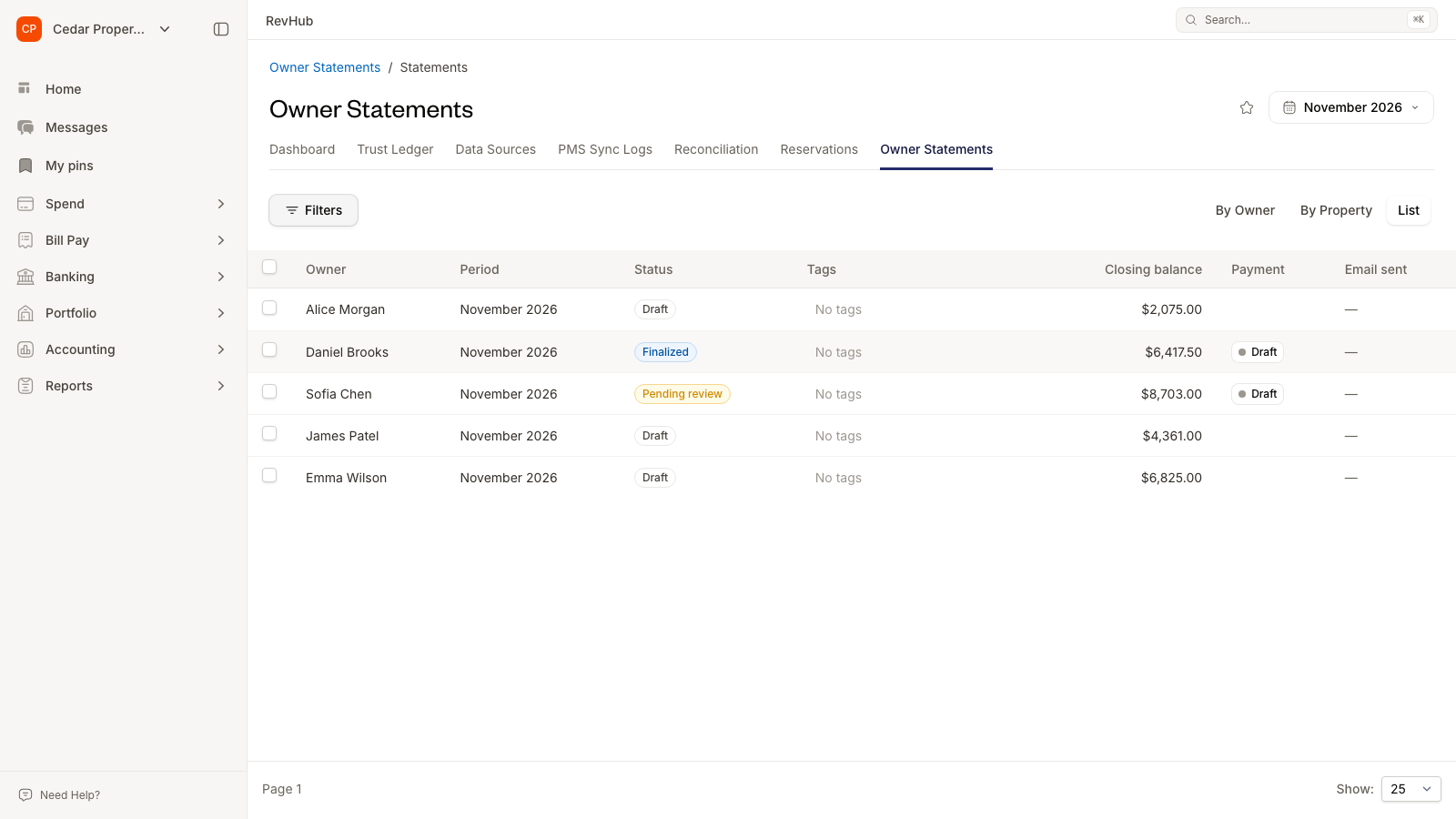
This SOP is built for short-term rental property managers who want a faster, cleaner close. It splits the close into weekly work and two month-end checklists, so nothing is left to chase on the 1st.
What This Template Includes
This SOP covers 42 tasks across four tabs. Every task lists how to do it, the evidence to save, the risk if it's skipped, who owns it, and when it's due.
- Weekly: 13 recurring tasks checked off every Friday, covering card and bank coding, bills, owner charges, deposits, reservations, accounting sync, and follow-ups.
- Owner Statements: 16 tasks to post owner charges, reconcile revenue and trust, review and approve statements, and pay owners by business day 3.
- Company Books: 13 tasks to book revenue, reconcile accounts, post adjustments, file lodging taxes, and lock the period by business day 5.
- Sign-Off: Six checkpoints, each with a due date and an owner, from weekly work done to books closed.
Customization Guidelines
Step 1: Set Your Close Calendar
Business days count from the first working day after month end, so business day 3 is the third working day of the new month. The default calendar:
- Every Friday: Weekly coding, matching, bills, and follow-ups.
- Business day 1: Bank statements in, owner charges posted, payouts reconciled.
- Business day 2: Trust reconciled, transfer set, statements drafted and reviewed.
- Business day 3: Statements approved and out, owners paid, transfer made.
- Business day 4: Revenue booked, accounts reconciled.
- Business day 5: Adjustments, review, reporting delivered, books closed.
If your owner contracts set a different payout date, shift the due dates to match.
Step 2: Assign Roles
Replace the default roles with the people on your team:
- Bookkeeper: In-house or outsourced. Codes, reconciles, posts, and drafts statements.
- Ops: Operations or maintenance lead. Owns work orders, cleanings, and vendor invoices.
- Acct Lead: Controller, CPA, or senior bookkeeper. Owns trust, adjustments, and review.
- GM / Principal: Final approver. Signs off on statements and money out the door.
Step 3: Track Progress
- Weekly tab: Tick the W1 to W5 box each Friday. A week counts only when everything dated in that week is done. Week 5 only counts in months that have one.
- Owner Statements and Company Books tabs: Set each task's Status to Not Started, In Progress, Ready for Review, Complete, or Blocked. Add a note to anything blocked.
- Sign-Off tab: Add a name and date to each checkpoint when it's done.
Step 4: Match Your Systems
Point each Evidence column to the report you use in your PMS and accounting software. Don't hold guest or owner funds in trust? Skip the Trust Reconciled tasks.
Step 5: Make a New Copy Each Month
Name it for the period, for example "Close, October 2026", and keep last month's copy as your record.
Summary & Strategic Use
This SOP gives your team one repeatable close. By running it every month, you gain:
- Faster Owner Payouts: Owners paid by business day 3 because the weekly work is already done.
- Fewer Missed Owner Charges: Bank-paid expenses, work orders, and owner-stay cleanings all get checked before statements go out.
- A Trust Account You Can Prove: The trust bank, the ledger, and what you owe owners match to the penny.
- An Audit-Ready Record: Every task names the evidence to save.
- A Close That Doesn't Live in One Head: Anyone can pick up the close from this sheet.
Mistakes That Slow the Close
- Saving the Coding for Month End: Nobody remembers a purchase 30 days later. Code card and bank transactions every week.
- Coded but Not Synced: A transaction coded in one system and missing from your books isn't done. Clear failed syncs before you reconcile.
- Guessing Owner vs. Company: Write down which expense types are billed to owners and which the company absorbs, so nobody decides case by case.
- Finalizing before Flagging: Negative balances, manual adjustments, and PMS discrepancies go to the reviewer before statements are final, not after.
- Costs without Documents: An owner charge with no invoice or work order photo invites disputes. Attach the proof to the charge.
- One Person Holds the Process: If the close lives in one head, a sick day delays every owner payout. This checklist is the backup.
Questions or Need Help?
If you have questions about using this template, email: info@topkey.io.